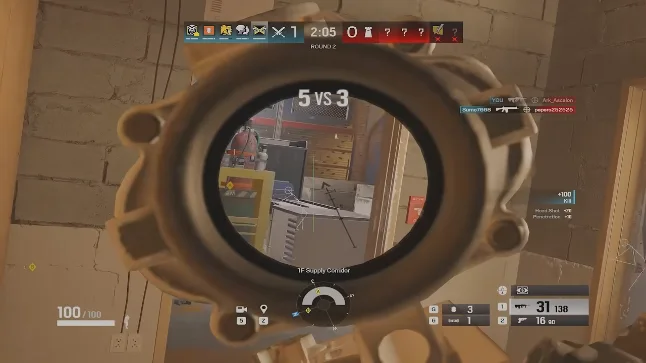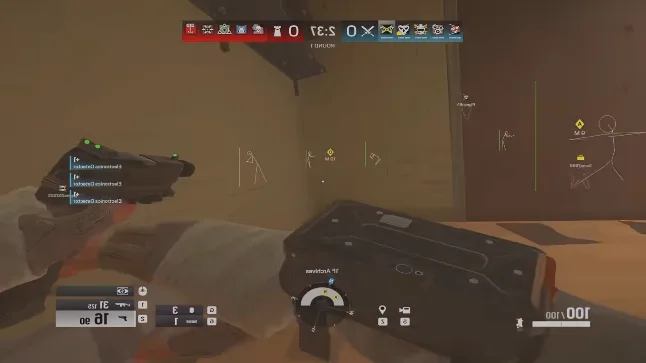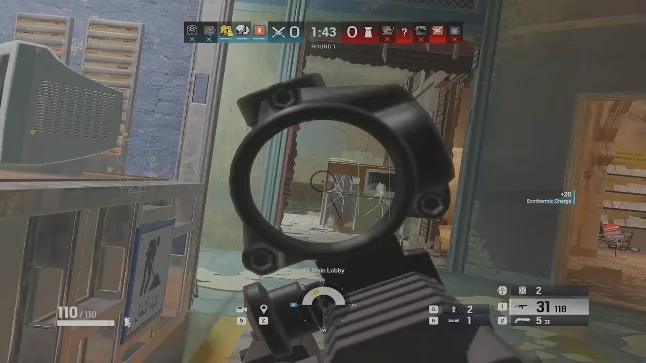
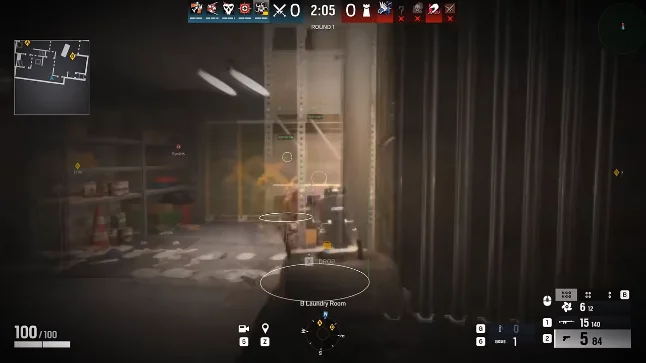
Install steps
After checkout, download the loader from your license email. Close Discord and GeForce overlays. Run as admin once.
Paste your license key, wait for green status, then launch Rainbow Six Siege.
- Download loader from license email
- Disable conflicting overlays
- Run loader as admin
- Launch Siege and open menu with Insert
First launch checklist
Enable ESP first, tune skeleton and box types, then enable aimbot at conservative settings. Save your config before ranked.
- Enable ESP → set skeleton to Outline
- Enable aimbot → smoothness 12, FOV 10
- Save config under Misc Options
Need help?
Email [email protected] with your order ID. See the setup forum thread for buyer tips.
Official game guides & resources
We link to trusted flanking sources so you can verify patch notes, player stats, and map info outside our site.
- Rainbow Six Siege on PC Official store page, system requirements, and player reviews.
- Rainbow Six Siege patch notes & news Read official update posts before you change your loadout.
- Official Rainbow Six Siege website Game overview from Ubisoft.
- Rainbow Six Siege Wiki (Fandom) Player stats, maps, and operator loadouts.
- Rainbow Six Siege community hub Announcements and community discussions.